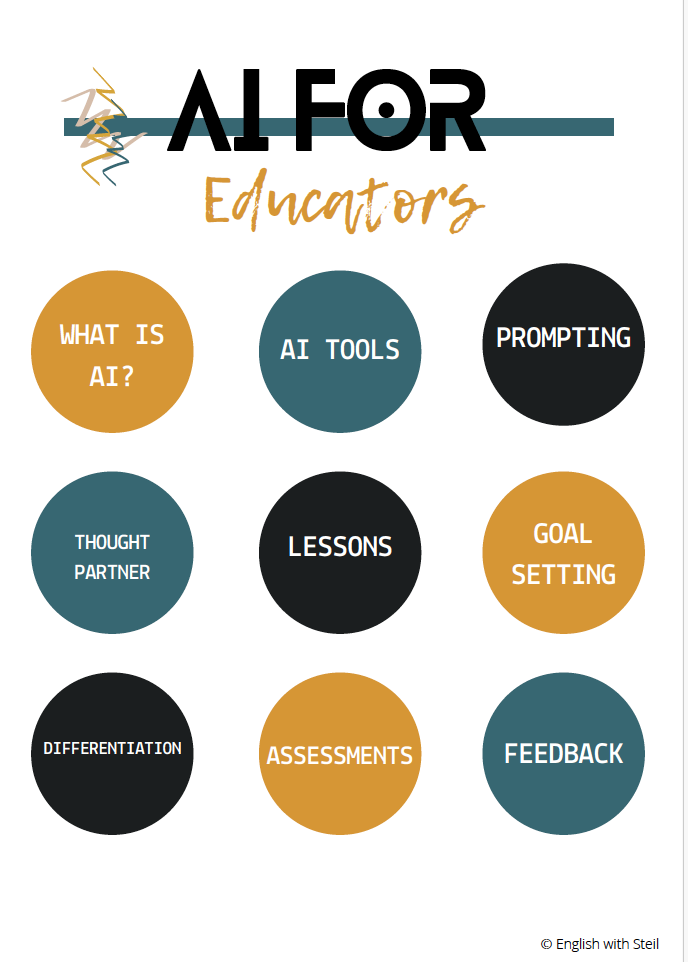
Artificial intelligence is no longer a future trend in education, it is already reshaping how teachers plan, teach, assess, and communicate.
If you are an educator, chances are your to-do list feels endless. Lesson planning, grading, differentiation, parent communication, and professional development all compete for your time often long after the school day ends. This is where AI can make a meaningful difference.
This guide is designed to help educators understand what generative AI actually is, how it can support teaching (without replacing teachers), and how to use it responsibly and effectively in the classroom.
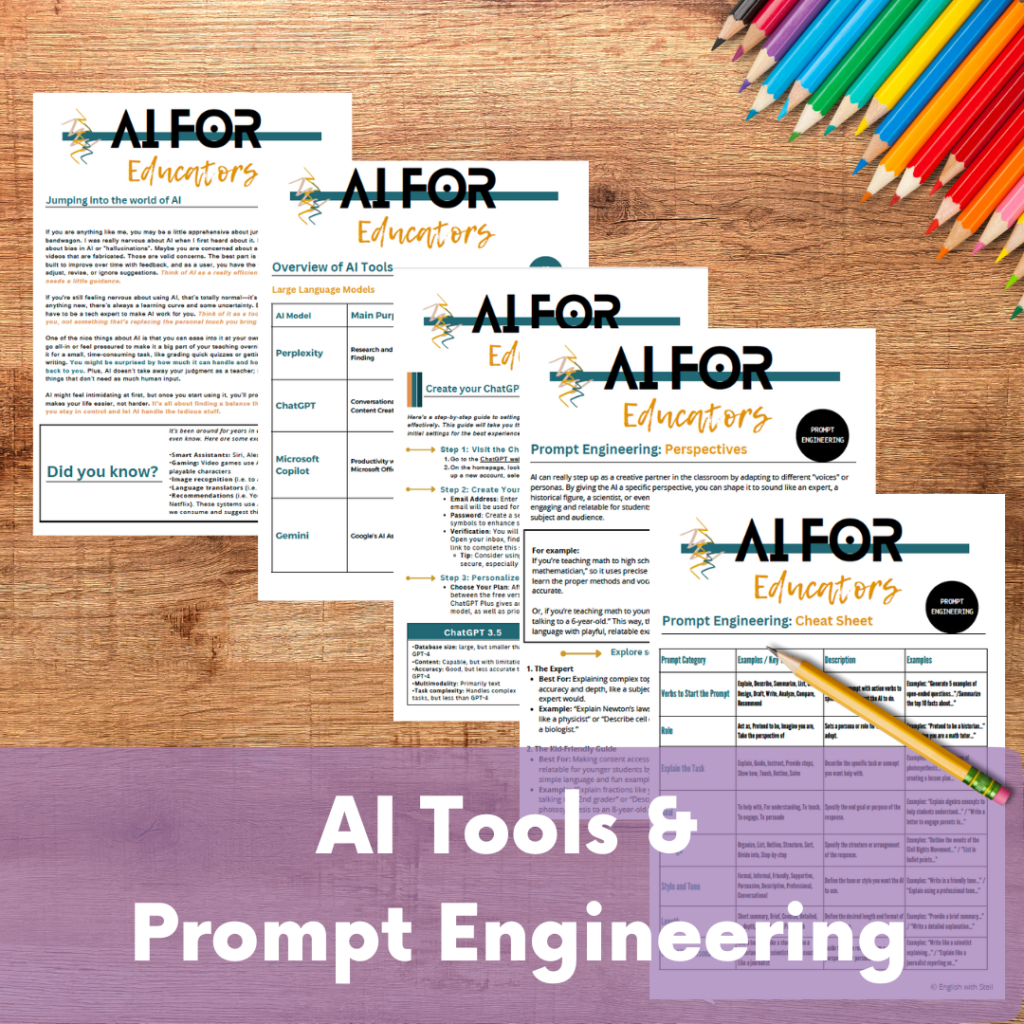
Artificial Intelligence (AI) is revolutionizing the way educators approach teaching, planning, and classroom management. As a teacher, you may already be juggling lesson plans, grading, parent communication, and professional development—and that’s before you even step into the classroom. This guide is here to show you how AI can lighten your load, save you time, and make your teaching more impactful.
What Is Generative AI?
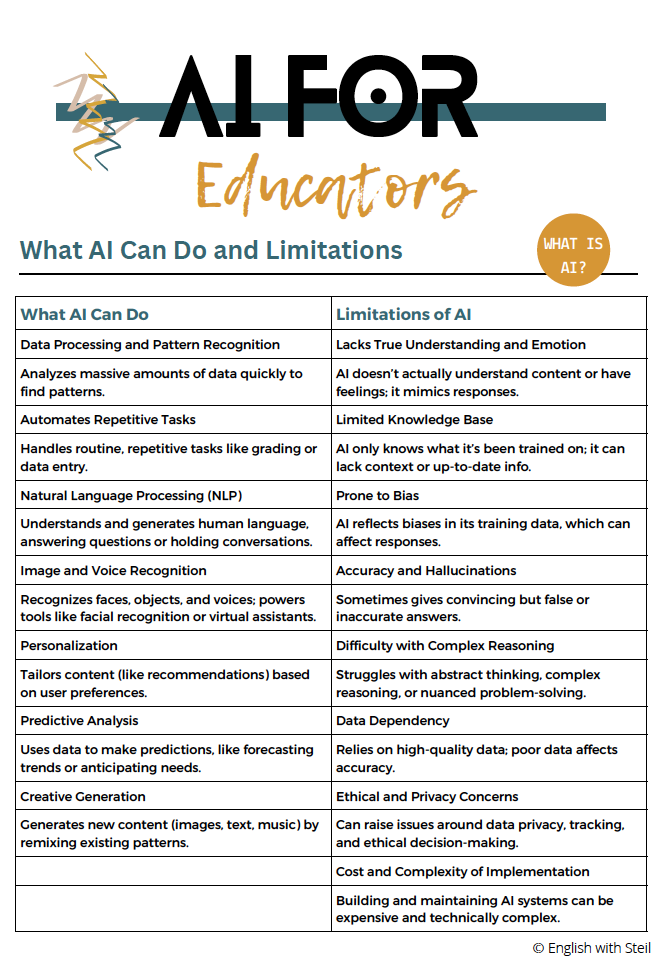
Generative AI refers to tools and systems that can create content, such as text, images, music, or even videos. Unlike traditional AI systems that simply analyze data, generative AI uses advanced algorithms to produce original content based on the prompts you provide. Tools like ChatGPT, Canva’s AI features, and MidJourney are examples of generative AI in action.
What Is Generative AI (and Why Teachers Should Care)?
Generative AI refers to tools that create original content—such as text, images, videos, or audio—based on prompts provided by users. Unlike traditional software that follows fixed rules, generative AI responds flexibly, making it especially useful for educators.
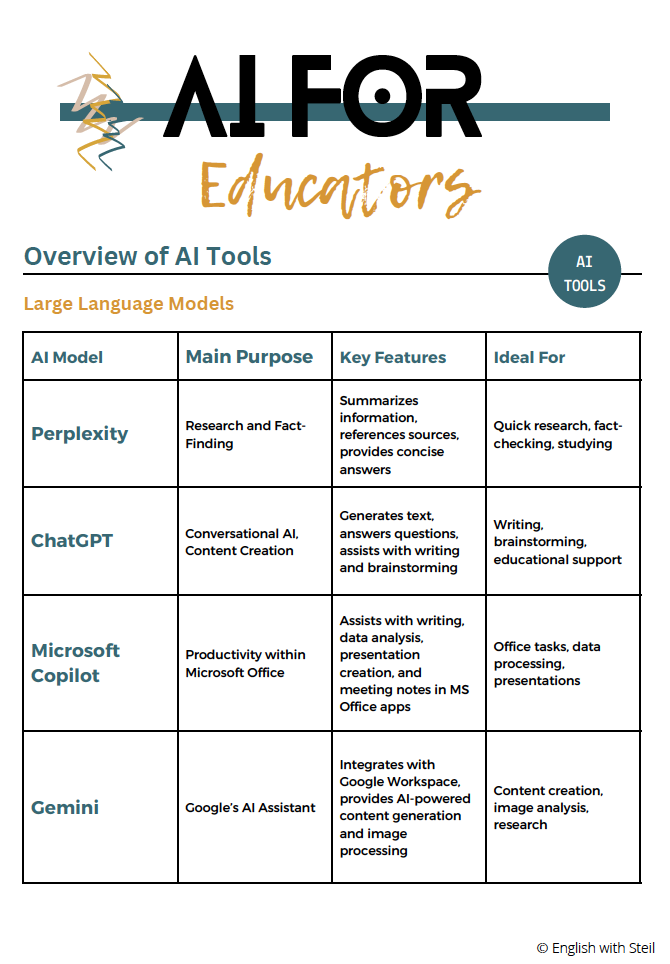
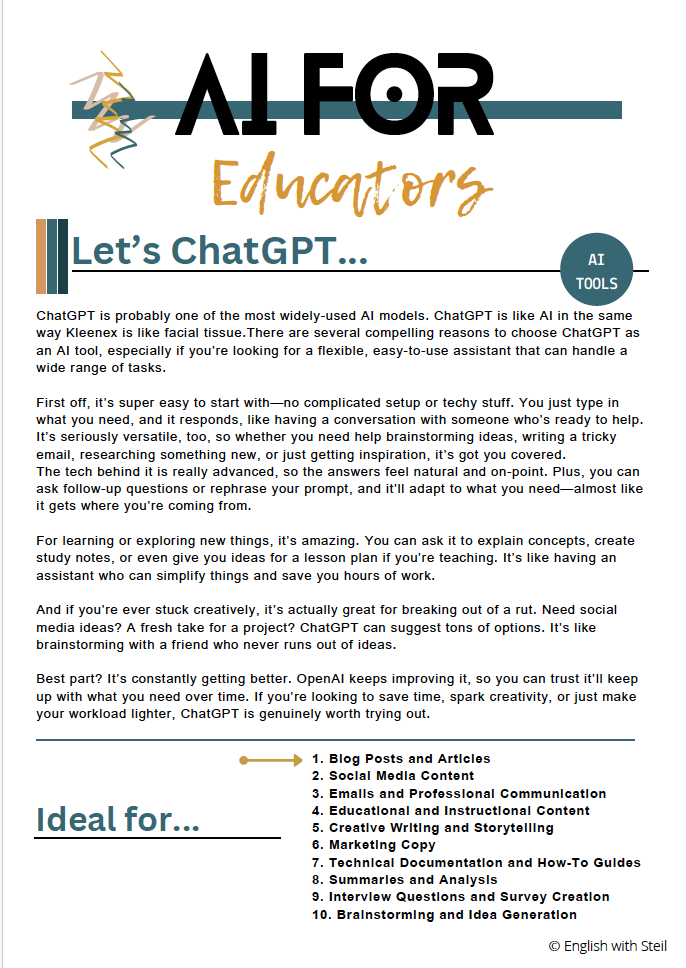
Popular tools educators are already using include:
Chat-based writing assistants
AI-powered design tools
Text-to-image generators
Automated feedback and planning tools
For teachers, generative AI can support:
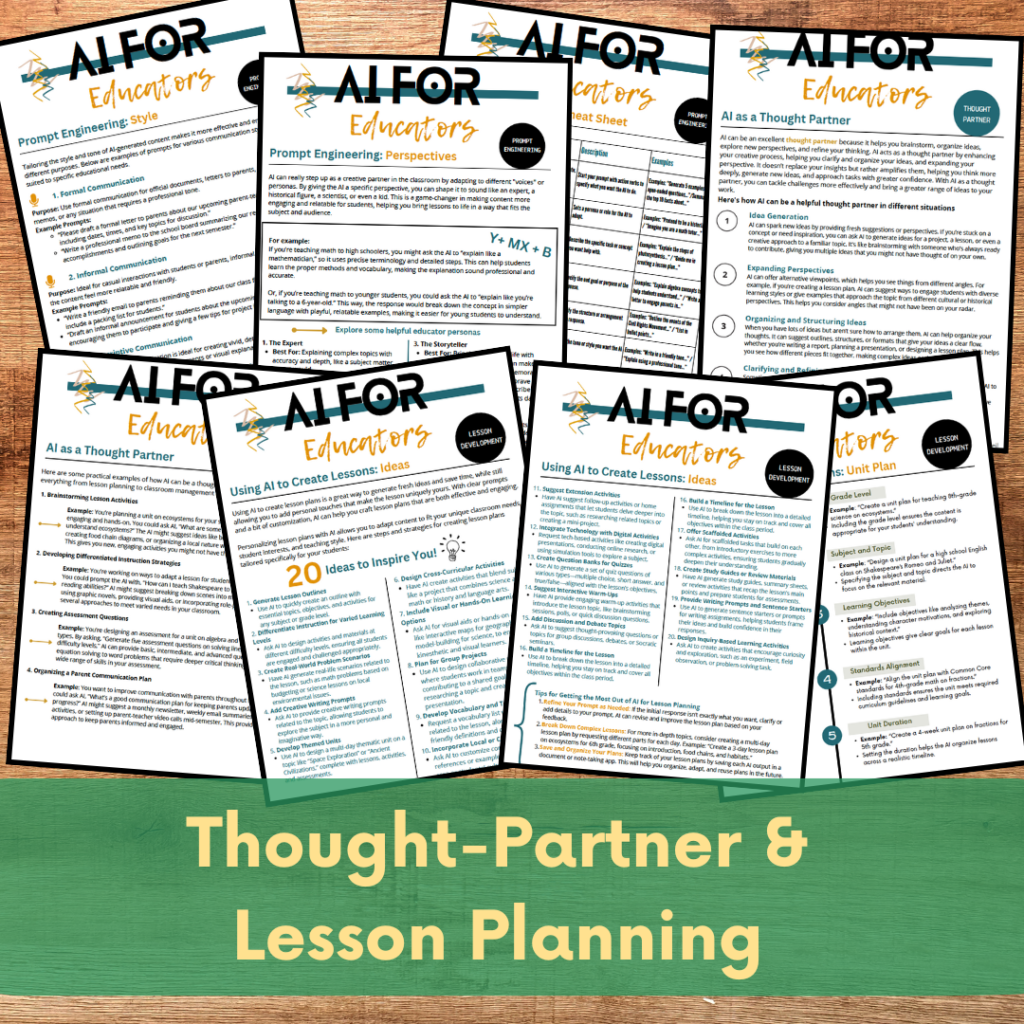
Lesson and unit planning
Assessment creation
Differentiation and scaffolding
Student feedback
Visual and creative lesson materials
When used intentionally, AI becomes a teaching assistant, not a replacement.
How AI Supports Educators (Without Adding More Work)
AI is most powerful when it reduces friction in your workflow. Here are the most impactful ways teachers are using AI right now.
1. Lesson and Unit Planning
AI can generate lesson outlines, objectives, activities, and assessments in seconds. This is especially helpful when planning new units, filling gaps, or adapting lessons for different grade levels.
Example prompt:
Create a middle school ELA lesson on theme with discussion questions and a short writing task.
AI provides a starting point—you still apply professional judgment and classroom knowledge.
For educators, generative AI can help:
Generate lesson plans, quizzes, or rubrics.
Create visual aids, diagrams, or infographics.
Personalize feedback for students.
Provide fresh ideas for class activities and projects.
By tailoring AI prompts to your specific needs, these tools become invaluable partners in your teaching journey.
How AI Can Help Educators
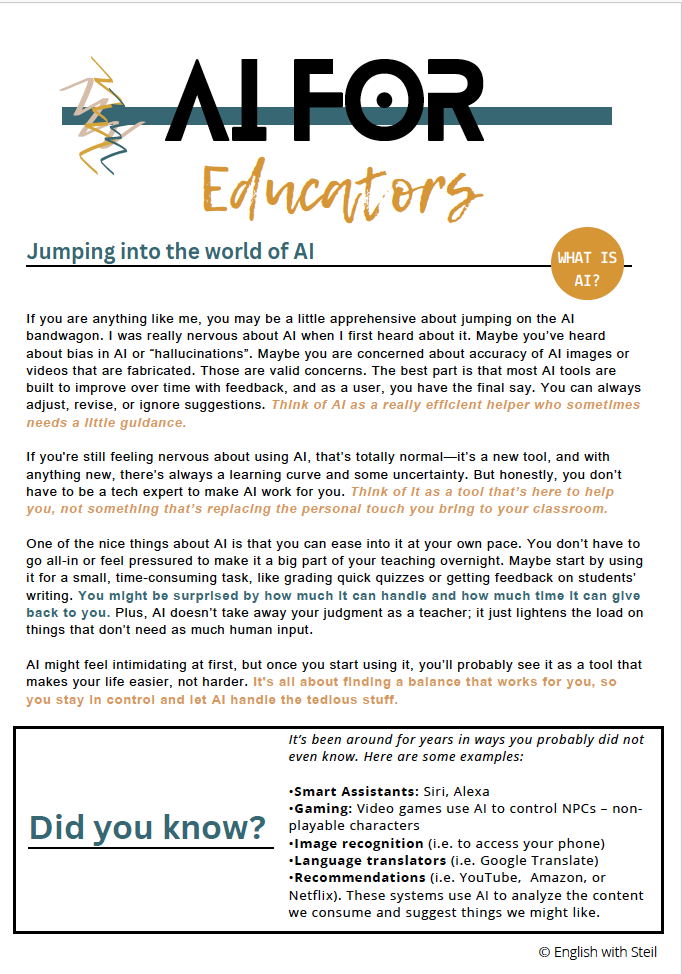
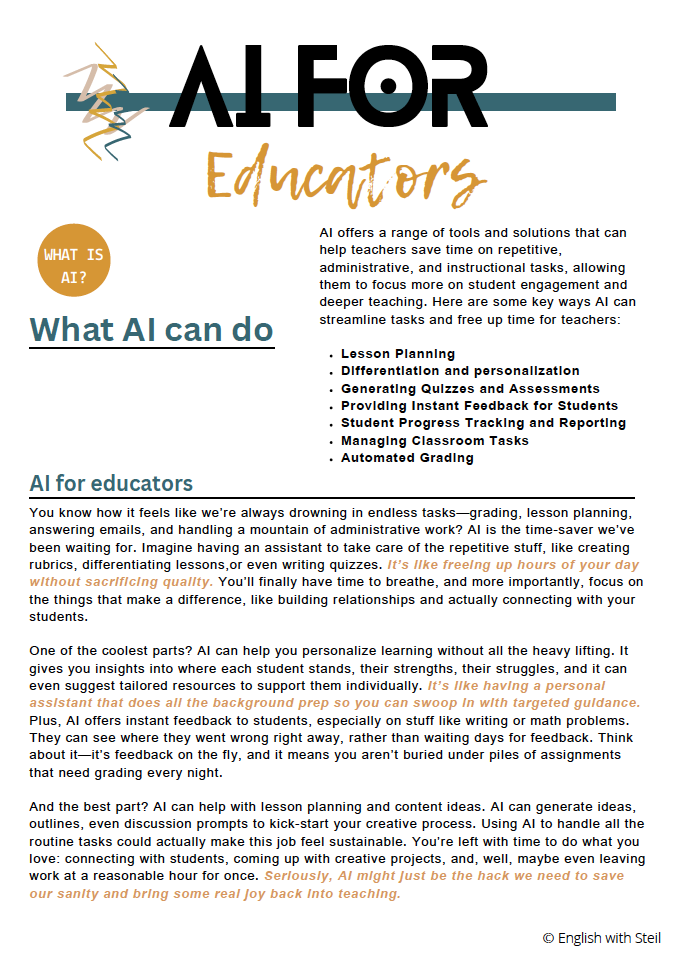
AI isn’t about replacing teachers; it’s about enhancing what you already do. Here are some key ways AI can support your work:
1. Lesson and Unit Planning
AI can generate entire lesson or unit plans in seconds. Simply input the grade level, subject, and goals, and watch it craft activities, objectives, and assessments.
Example Prompt: “Create a 5th-grade unit plan on ecosystems, including a hands-on project, quizzes, and discussion prompts.”
2. Differentiation Made Easy
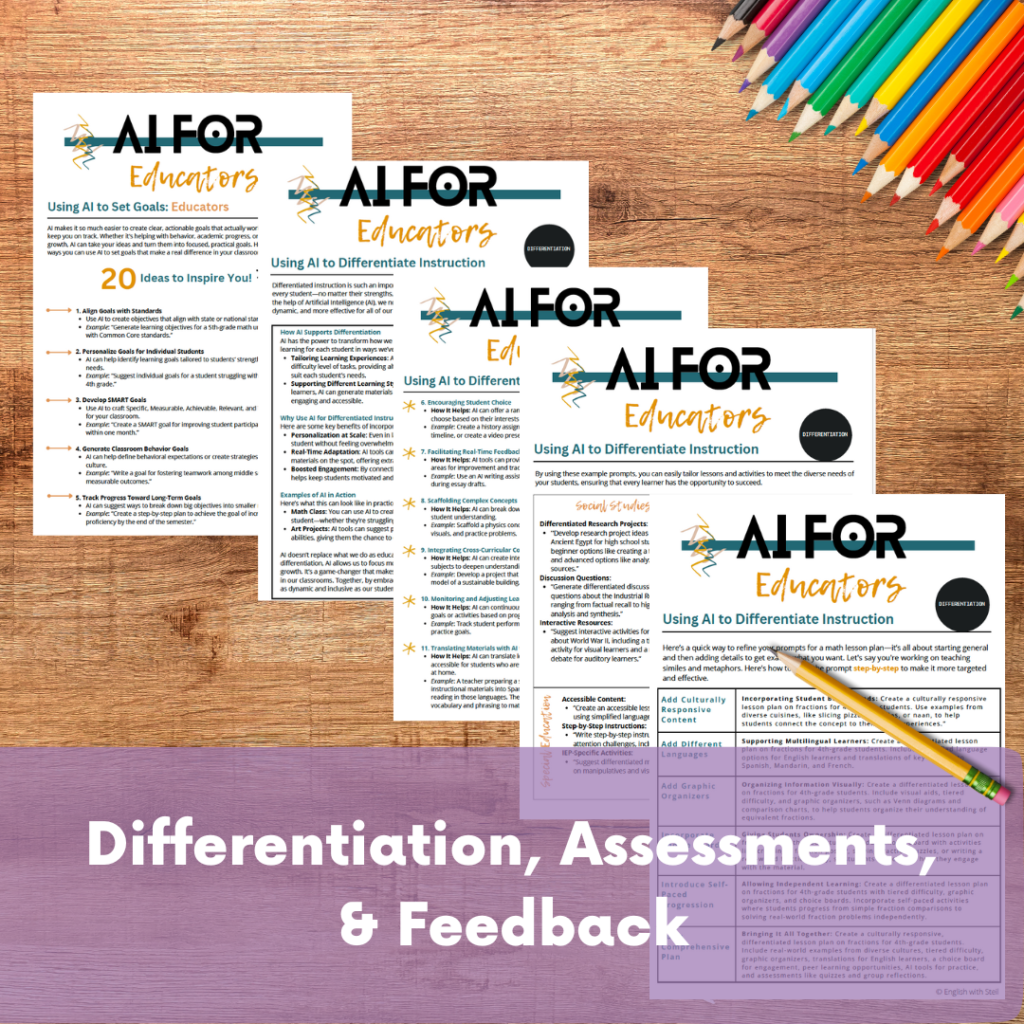
Catering to diverse student needs becomes much easier with AI. You can request materials tailored to different reading levels, learning styles, or special education requirements.
Example Prompt: “Rewrite this text for an ESL student with basic English proficiency.”
3. Feedback and Grading
AI can provide constructive and personalized feedback on student work, as well as help you grade assignments efficiently.
Example Prompt: “Give feedback on this essay, focusing on grammar and argument clarity.”
4. Parent Communication
Crafting professional yet approachable emails or newsletters is quick and easy with AI.
Example Prompt: “Write a friendly email to parents reminding them about the upcoming parent-teacher conference.”
5. Brainstorming and Idea Generation
Stuck on an activity or project? AI can suggest creative, engaging ideas tailored to your subject or grade level.
Example Prompt: “Suggest three interactive activities for teaching fractions to 4th graders.”
6. Visual and Creative Content
Need a diagram, infographic, or visual writing prompt? AI tools like Canva’s Text-to-Image generator or MidJourney can produce visuals that perfectly complement your lessons.
Example Prompt: “Create a diagram showing the water cycle with labeled arrows.”
Differentiation and Accessibility
Differentiation often feels overwhelming because it requires time. AI helps make it manageable.
Teachers can use AI to:
Rewrite texts at multiple reading levels
Adapt instructions for English learners
Create alternative versions of assignments
Scaffold complex tasks
Example prompt:
Rewrite this article at a 5th-grade reading level with simplified vocabulary.
This allows more students to access the same learning goals.
Feedback and Assessment Support
Providing meaningful feedback is one of the most important—and time-consuming—parts of teaching.
AI can help draft feedback that focuses on:
Organization and clarity
Grammar and conventions
Argument strength or evidence
Growth-based suggestions
Teachers remain in control, but AI speeds up the process.
Example prompt:
Provide constructive feedback on this student paragraph focusing on clarity and transitions.
Parent and Family Communication
Writing emails, newsletters, and updates takes time and emotional energy. AI helps teachers communicate clearly and professionally without starting from scratch.
Example prompt:
Write a friendly but professional email reminding families about upcoming conferences.
This is especially helpful during high-stress weeks.
Brainstorming and Creative Teaching Ideas
When planning feels stale or rushed, AI is a powerful brainstorming partner.
Teachers use AI to:
Generate project ideas
Create writing prompts
Design discussion questions
Develop extension activities
Example prompt:
Suggest three creative activities to teach persuasive writing in high school.
Visual and Creative Content Creation
AI-powered design tools allow teachers to create:
Diagrams and infographics
Writing prompts with visuals
Presentation slides
Classroom posters
These visuals increase engagement without requiring advanced design skills.
Pro Tips for Using AI Effectively as a Teacher
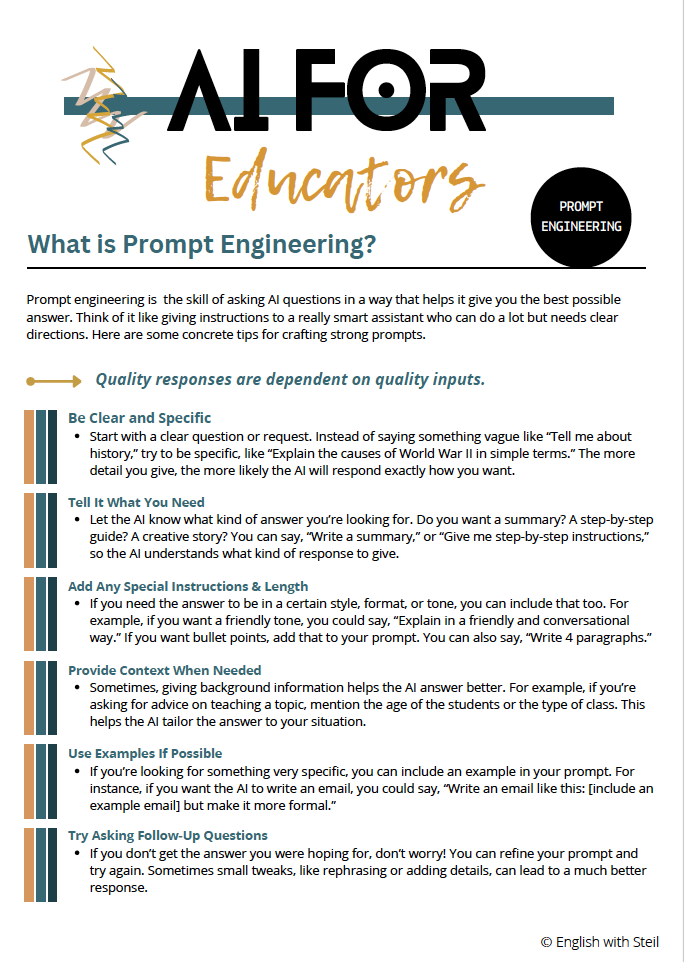
To get meaningful results from AI tools, consider these strategies:
Be specific. Clear prompts lead to better output.
Ask for formats. Request bullet points, tables, or step-by-step plans.
Refine responses. Follow up with clarifying prompts.
Always review. Check for accuracy, bias, and alignment with standards.
AI works best when guided by a teacher’s expertise.
Common Classroom Tasks AI Can Support
Assessments and Rubrics
AI can generate quizzes, exit tickets, and rubrics aligned to your objectives.
Writing and Critical Thinking
From creative story starters to analytical prompts, AI supports student thinking across content areas.
Classroom Management
Teachers use AI to brainstorm behavior supports, routines, and reflection tools.
Cross-Curricular Connections
AI helps design integrated projects that connect subjects meaningfully.
Specific Tasks AI Can Help With
AI can assist with a wide range of educator responsibilities. Here are just a few:
Assessments
Create quizzes and tests: Generate multiple-choice, short-answer, or essay questions based on your lesson.
Example Prompt: “Create a 10-question quiz on the causes of the American Revolution.”
Generate rubrics: Design detailed rubrics for grading projects or essays.
Example Prompt: “Write a rubric for a 5-paragraph persuasive essay for 8th graders.”
Writing Prompts
Creative Writing: Inspire students with unique story starters or poetry prompts.
Example Prompt: “Write a creative story starter about a time-traveling historian.”
Critical Thinking: Challenge students with analytical writing prompts.
Example Prompt: “Write a prompt asking students to analyze the theme of identity in The Great Gatsby.”
Classroom Management
Behavior Plans: Use AI to create strategies for managing specific classroom challenges.
Example Prompt: “Suggest a behavior management plan for a student who struggles with focus.”
Student Rewards: Brainstorm creative, non-monetary rewards for positive behavior.
Example Prompt: “Suggest five creative rewards for students who meet classroom goals.”
Cross-Curricular Connections
AI can help link different subjects in meaningful ways.
Example Prompt: “Create a cross-curricular activity that combines history and art, focusing on the Renaissance.”
Why AI Matters in Education (When Used Thoughtfully)
Used responsibly, AI helps educators:
Save time
Increase consistency
Improve accessibility
Support personalized learning
Reduce burnout
AI does not replace relationships, pedagogy, or professional judgment. It simply gives teachers more space to focus on what matters most—students.
Final Thoughts
You do not need to use AI for everything. You simply need to use it where it helps.
Start small. Experiment. Reflect. Adjust.
AI is not about doing more, it is about doing smarter.
Check Out These Resources from My Fellow Teacher Authors
If you are looking to use artificial intelligence in ways that actually support teaching (and not just add noise), these resources from fellow teacher authors offer practical, ethical, and classroom-ready ideas that pair well with responsible AI integration:
Using AI in the Classroom Without Losing Your Teaching Voice by Room 213
A grounded look at how teachers can use AI as a support tool while keeping pedagogy, relationships, and professional judgment front and center.Teaching Students About AI, Bias, and Ethical Use by Room 213
Clear, teacher-friendly guidance for helping students understand how AI works, where bias exists, and how to use AI responsibly.AI Tools That Actually Save Teachers Time by Bespoke ELA
A curated list of AI tools and workflows focused on lesson planning, feedback, and instructional efficiency—without overwhelm.How Secondary Teachers Are Using AI for Differentiation by Secondary Sara
Practical examples of using AI to adjust reading levels, scaffold instruction, and support diverse learners.AI in Education: What Teachers Need to Know First by Laura Randazzo
A thoughtful entry point for educators who want to understand AI before implementing it, with a focus on clarity and classroom relevance.Navigating AI and Academic Integrity in Schools by Ditch That Textbook
Helpful perspectives on balancing AI use, student learning, and integrity in modern classrooms.